PhantomMic
The PhantomMic Guide · Entry 01

Your sounds, straight into voice chat.

PhantomMic is a small Windows program that plays clips, music, a changed voice and some frankly unnecessary character voices into any game or voice chat, through your own microphone. Push to talk is handled for you.

The soundboard is free. Several billion people have not yet tried it, which is a remarkable oversight on their part.

  • Free soundboard
  • Windows 10 and 11
  • Runs on your PC
  • No ads
Entry 02

The Soundboard

Free24 clips with hotkeys

The Soundboard is a sort of filing cabinet for noises. Each noise gets a card, each card gets a hotkey, and each hotkey can end a friendship in under a second.

New noises arrive by being dragged onto the window. Trimming them, fading them and giving them pictures is a Pro feature, on the grounds that anyone who wants to decorate an airhorn is already committed.

  • Fourteen starter sounds with their own pictures, plus up to 24 clips of your own free, or unlimited with Pro
  • Hotkeys that work while PhantomMic is in the background
  • Categories with colors, and clip packs to share with friends
  • Hear your clips too, each at its own volume
  • Pro: trim, fades, artwork and a voice for any clip

Entry 03

Getting it into voice chat

FreeThe virtual microphoneFreePush to talk, held for you

Getting the noises into voice chat involves the plug. Press it, and PhantomMic sends your voice and your clips through a small, imaginary microphone called CABLE Output.

Then, in your voice app's settings, you choose CABLE Output as your microphone. Your friends now hear your voice, your clips, and, briefly, the consequences.

  • Uses the free VB-CABLE driver, which the installer offers to set up
  • Can make it your Windows microphone for you, so most apps pick it up on their own
  • Holds your push-to-talk key while a clip plays, and lets go when it ends
  • Works with Discord, Teams, games, and anything else that lets you choose a microphone
Entry 04

The noise filter

FreeThe noise filter

Here is the problem. Most voice apps run noise suppression, which treats anything that isn't a human voice as noise and quietly deletes it. That includes every sound you have so carefully collected.

So you switch theirs off, and PhantomMic's own noise filter cleans up your voice instead: fans, keyboards, dogs, and that distant, unexplained clattering. Your clips go through untouched.

  • A noise filter on your microphone only, never on your clips or music
  • On by default, and free
  • Help notices when Discord's noise suppression is on, which can filter out clips, and shows how to turn it off
  • Help also checks your setup and puts you in touch with a person
Entry 05

Recording

ProRecording

Recording captures everything you hear and everything you say, and turns it into a clip. This allows a single unwise sentence from a friend to be preserved for longer than most civilisations.

  • Records what you hear and what you say, straight onto your board
  • Start and stop from a hotkey, the Quick Wheel or a button deck
Entry 06

The Quick Wheel

ProQuick Wheel

The Quick Wheel is for when you're in the middle of a game and both hands are busy losing.

Hold a key, and a wheel of your clips appears over the game. Flick toward one and it plays, so you never have to stop what you're doing in order to be insufferable.

  • Eight clips, voices or actions per wheel, and as many wheels as you like
  • Shows over windowed and borderless games without taking focus
  • Record, switch your voice, or run your own scripts and programs
Entry 07

Voice Lab

ProVoice LabPro17 character voices

Voice Lab changes your voice while you speak. Demon, Robot, Radio, and others. Or open Effects, where every part of a voice becomes a slider: pitch, size, rasp, wobble, robot, echo. Save it, give it a name you will later regret, and it's yours.

Then there are the character voices: seventeen of them, a pirate, a villain, a ship's android and more, which took an unreasonable amount of time to build for probably no real benefit at all. They are, admittedly, quite cool.

  • A live voice changer for voice chat and your clips: about 40 ms of delay for pitch and size, none for radio, echo and the like
  • Presets, or your own voices built from the effects
  • Auto-fit suits every voice to yours, at your normal volume, and never clips when you shout
  • Text to Clip: type a line, pick one of seventeen characters, and it's a clip. It runs on your PC, with nothing sent anywhere
  • Tags like [laugh] and [whispering], or Auto tags to add them for you

Have a listen

Made by PhantomMic on an ordinary PC, straight from the line shown.

Unit Seven Dry ship android Systems nominal. Your plan has a four percent chance of success. [sigh] Proceeding anyway.
Mags Salty pirate captain All hands on deck! [laugh] And somebody grab the snacks.
Scrap Excitable goblin mechanic I fixed it! Mostly. [chuckle] Don't touch the red wire.
Grimm Menacing villain [whispering] You should not have come here.
Bolt Hyped tournament announcer And that is a triple knockout! Absolutely unbelievable!
Juniper Calm forest ranger Take a breath. We'll get through this one together.
Atlas Epic trailer narrator In a world where nobody checks the minimap... one man... is about to get flanked.
Chip Cheesy game-show host Congratulations! You've won... a respawn timer! [chuckle] Let's see what's behind door number two!

Meet all seventeen characters

Entry 08

Forge

ProForge

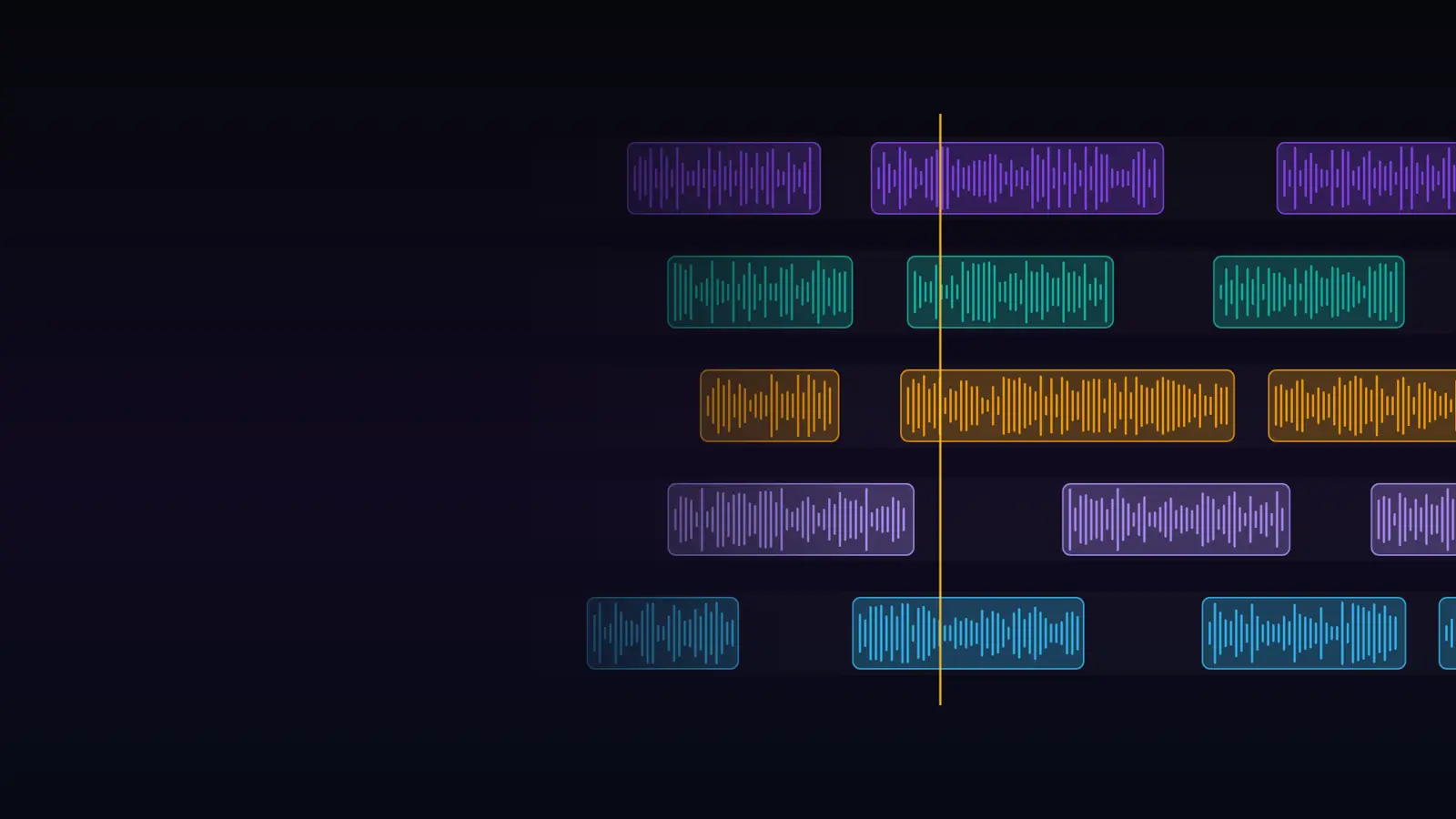
Forge is a multi-track editor, for combining several noises into one larger and more powerful noise. Most of the great works of human culture began this way. So, it must be said, did most of the terrible ones.

  • Up to eight tracks on a timeline
  • Drag, trim, fade and split right on the waveform
  • Give any clip a voice, undo everything, and the mix lands on your board
Entry 09

Jukebox

ProJukebox

Jukebox plays music and audiobooks to you, to your friends, or to both at once. Friends who are played an audiobook without warning become noticeably quieter. Whether this is respect or despair, the data does not say.

  • Music and audiobooks to you, to voice chat, or both
  • Songs duck under your clips and your voice, then come back up
  • Playlists, chapters, speed and resume
Entry 10

Stream Control and Compact mode

ProStream ControlFreeCompact mode

Stream Control runs PhantomMic from just about anywhere: a button deck, a macro pad, a touch screen that becomes a wall of big friendly buttons, or a script. Even an AI assistant can press them, which is how the machines will eventually take over. Politely.

Compact mode, meanwhile, shrinks the whole thing to a small window that floats above your game, like a helpful, if slightly smug, satellite. That one is free.

  • Any button deck or macro pad can fire a clip, from a link you paste in once
  • A touch screen layout whose buttons never take focus from your game
  • A browser overlay that shows what's playing on stream
  • Scripts and AI assistants can press the buttons too
  • Compact mode: a small always-on-top window, free
Entry 11

Making it yours

FreeThemes, one profile and PIN locksProYour own colors, unlimited profiles

Themes change how the whole thing looks: Phantom, Honeybee, Synthwave, or Terminal, for people who wish to appear busy.

Profiles keep separate boards for separate lives, and each one can be locked with a PIN, which keeps curious children away from Dad's soundboard. Mostly. And the first time you open it, a short guided tour shows you around.

  • Themes and effects, free; your own colors with Pro
  • One profile free, unlimited with Pro, each with an optional PIN
  • A guided tour the first time, and again from Help whenever you like
An important note

Your noises stay on your computer

Whatever else is happening out there, PhantomMic keeps your clips, your recordings and your voice on your own PC, which is where they belong and, frankly, where most of them should stay.

Runs on your computer

Your clips, recordings, voice and settings never leave your PC. The voice changer, the noise filter and the character voices all run locally.

No ads, no tracking

No advertising and no tracking cookies. The app only talks to us to sign in, refresh your license, update itself or download a module.

Works offline

Once it's installed, PhantomMic and Pro keep working without a connection, even during the end of the world.

Only what you use

Each module is a small, separate download. Install the ones you want and leave out the rest.

Pricing

Free to start. One price for everything.

The soundboard is free, for as long as you like. Pro unlocks the rest, and the money goes entirely towards the developer's Claude subscription, so he can keep building whatever he wants.

Soundboard

$0
  • Fourteen starter sounds, plus up to 24 of your own, with hotkeys
  • Push to talk, the virtual microphone and the noise filter
  • Themes, Compact mode and a PIN-locked profile
Download free

PhantomMic Pro

$4.99 a month

$4.99 a month or $29.99 a year. Cancel any time.

  • Every module, now and to come
  • Unlimited clips and profiles
  • Recording and clip editing
  • Up to 3 computers
Try Pro free for 7 days
Questions

Frequently asked, occasionally answered

What is PhantomMic?

PhantomMic is a Windows soundboard that plays clips, music, a changed voice and lifelike character voices into any voice chat or game, through your own microphone, with push to talk handled for you. The soundboard is free; PhantomMic Pro adds every module.

Does it work with my voice chat app or game?

Yes, with anything that lets you choose a microphone. PhantomMic mixes your voice and your sounds into a virtual microphone (the free VB-CABLE driver, which the installer offers to set up) and can make it your Windows microphone for you, so most apps pick it up on their own.

What do I need?

Windows 10 or 11 (64-bit) and a microphone. PhantomMic installs just for you, with no admin rights needed, and keeps itself up to date.

Do I have to hold push to talk?

No. When a clip plays, PhantomMic holds your push-to-talk key for you and lets go when it ends.

Is there a guide to getting started?

Yes. The first time you open PhantomMic, a short guided tour shows you around: the Soundboard, sending to voice chat, the quick switches and Help. Take it again any time from Help, or watch the short films on the home page.

All of them, answered properly

Make the lobby hear it.

Download the free soundboard and play your first clip in about a minute. Try Pro when you want the rest. The universe will carry on regardless.